
Forever Ago Beginner Guide: Camera, Journal, and Saving
Learn how Forever Ago's camera, journal, interaction prompts, and checkpoint-based saving work before starting Alfred's road trip.
FAQ
How does the camera work in Forever Ago?
Does Forever Ago have manual saving?
Why is the interaction prompt missing?
Forever Ago is easiest to read as a slow, linear road trip with three repeating activities: walk through a location, photograph a moment, and interact with people or objects. The official Steam description confirms the camera, environmental interactions, and small puzzles; the practical advice below is cross-checked against launch reviews.

Official Steam launch trailer frame, illustrative only; this image is not a tutorial step screenshot.
How should I use the camera?
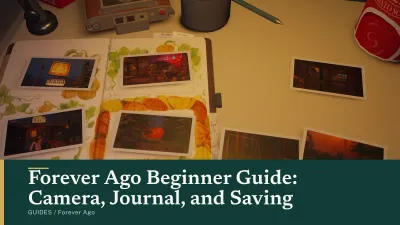
Take the prompted story photographs first, then use spare shots for scenery, objects, and people. Tom’s Guide reports that each location limits Alfred to 12 photos if you want to print them for the journal, with four selected at the end of a chapter. That makes the camera both a narrative tool and a small planning exercise: do not fill every slot with the first view you see if a journal page still needs its story shots.
The cumulative achievement thresholds are separate from the journal selection. The official Steam page publishes Focus Finder for 25 photos and Picture Perfect for 50; Self-Portrait Photography asks for 10 selfies in the Xbox list. The all-achievements guide keeps those goals separate from vignette photography.
Three useful photo habits
- Photograph a clearly prompted subject before wandering away from it.
- Keep one or two flexible shots for a journal page until the location’s final interaction.
- Take optional photos and selfies throughout the route instead of trying to reach 25, 50, or 10 in the last section.
How do vignettes and petals work?
Collect the petals you find in an area, then photograph the memory silhouette that appears when the group is complete. The shot reveals a vignette involving Alfred and Audrey. The first one supports Glimpse Into The Past, while all of them support Petal Collector. The collectibles page lists confirmed route contexts and labels the missing petal-by-petal map honestly.
Do not assume that every attractive scenery shot is a vignette. Ordinary photos, journal photos, and memory silhouettes use the same camera but count toward different goals.
Why is an interaction prompt not appearing?
MeriStation describes the interaction angles as precise, and its review notes that some obstacles have a single obvious solution. When an object seems inactive, walk toward it slowly, face its most visible side, and nudge left or right. Step back slightly if Alfred is pressed against it. Wait for the prompt before moving away; proximity alone may not be enough.
This matters in small stores and homes as much as in open scenery. At Karl’s Pump ‘N’ Mart, for example, the walkthrough separates the wipers, cookies, and atlas by shelf area. If one does not highlight, treat the problem as positioning first rather than assuming the item is absent.

Official Steam launch trailer frame, illustrative only; this image is not an interaction tutorial screenshot.
How does saving work?
Launch reviews report checkpoint-based autosaving and no free manual-save system. GamingTrend’s review describes autosaves at certain checkpoints with no manual save, while XboxAchievements’ review calls the autosave frequency unusually sparse. These are review observations, not a published developer save specification, so the safest cross-platform habit is to finish a local scene before quitting.
Steam’s store data lists Steam Cloud, but cloud synchronization is not the same thing as a manual in-game checkpoint. It can preserve the saved state the game writes; it cannot create a save wherever you stand.
Safer session boundaries
- Finish the current conversation or object interaction.
- Place the selected photos in the journal when the section offers that screen.
- Reach a campsite, location transition, or clear story pause.
- Quit through the game’s menu rather than forcing the application closed.
This is especially important for Old Bones, whose public condition asks you to rest at every opportunity. The platinum route recommends treating every visible rest prompt as part of one careful completion run.
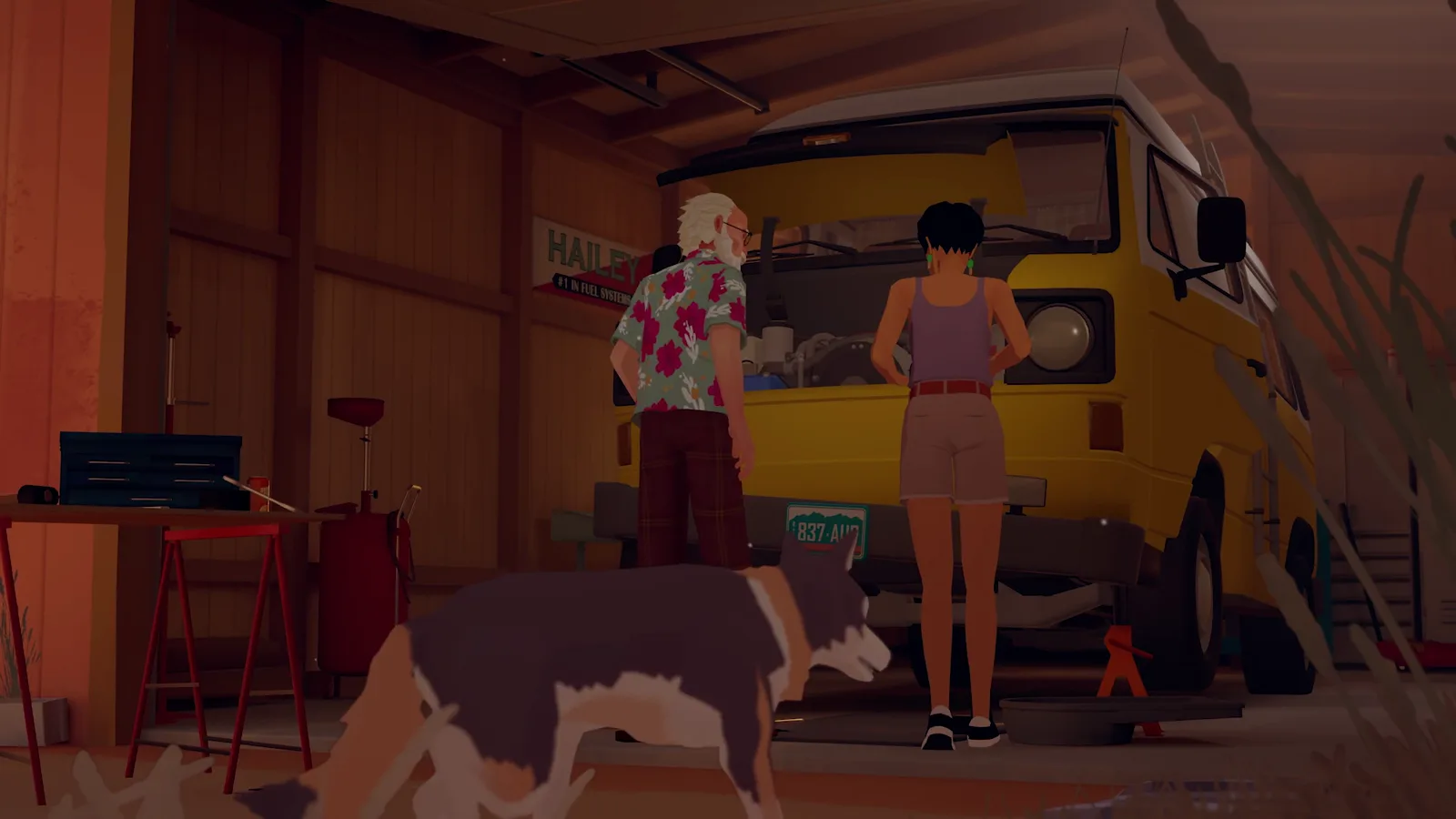
Official Steam launch trailer frame, illustrative only; this image is not a save-system screenshot.
What should I do on a first visit to a location?
Walk a slow loop before following the journal marker. Photograph obvious story subjects, inspect personal objects, collect visible petals, and check the journal after a memory. When the location seems finished, take one final look behind fences, beside vehicles, and around small structures before moving on.
The main walkthrough gives the direct nine-section route. The ending explanation is best saved for after Williamina Peak if you want to keep the final memory unspoiled.
What kind of game is this?
Tom’s Guide notes that Alfred moves slowly and cannot sprint or jump at will, while MeriStation describes the experience as intimate and linear. Plan around that rhythm: the game rewards observation and listening more than speed, combat, or experimentation with multiple solutions. The short length guide explains why review estimates cluster around four to five hours.
Which platforms can I play on?
Forever Ago launched on October 8, 2026 for PC, PlayStation 5, Xbox Series X|S and Nintendo Switch 2. Check the Steam page, Nintendo listing or your console store for your region. Xbox Wire’s October announcement lists it as a day-one Game Pass release for cloud, console and PC, through Ultimate or PC Game Pass. Subscription availability can change.
Sources and scope
Camera and game-premise facts are cross-checked against the official Steam App API and Tom’s Guide. Interaction and pacing observations come from MeriStation. Saving observations are attributed to GamingTrend and XboxAchievements. Trailer frames are official Steam launch-trailer images used illustratively.
Related Articles
guides
Forever Ago Achievements: All 29 Xbox and Steam Goals
See every Forever Ago achievement name and published requirement for Xbox and Steam, with a chapter-based route for photos, vignettes, and optional actions.
guides
Forever Ago Collectibles: Vignettes and Confirmed Locations
Learn how Forever Ago vignettes work, where sources confirm memory and photo contexts, and which collectible locations remain unverified.
guides
Forever Ago Ending Explained: Williamina Peak and Epilogue
A spoiler-heavy explanation of Forever Ago's final mountain sequence, Audrey's note, the home epilogue, and what the ending means.
Was this helpful?
Thanks for the feedback!